MOBILE WEB APP
How to Install
KB Savouries App
Get fast access, instant ordering, and smooth performance right from your home screen without downloading from the App Store or Play Store.
STEP 1
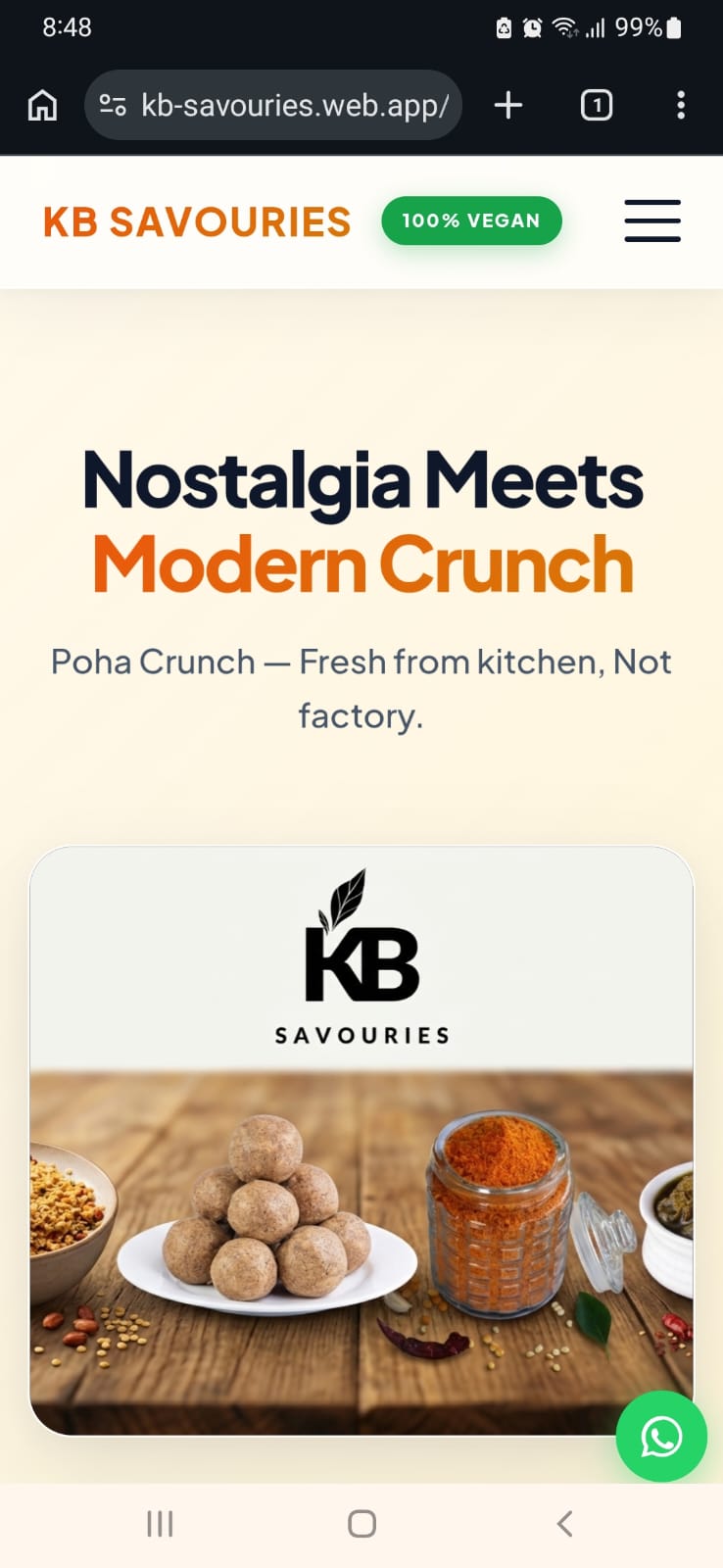
Tap the Browser Menu
Open kb-savouries.web.app in Chrome or your mobile browser. Tap the three vertical dots (⠇) in the top-right corner of your browser screen.
STEP 2
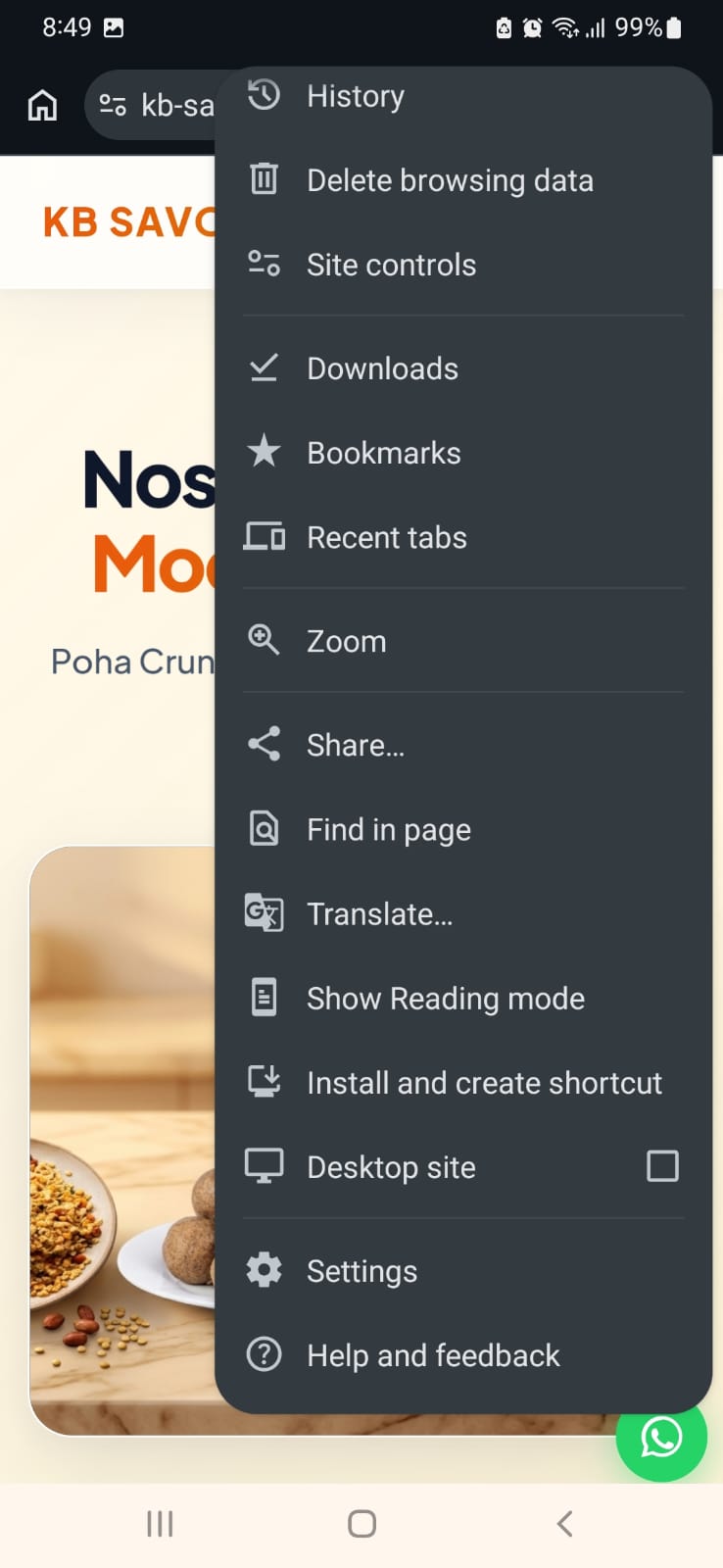
Select "Install and create shortcut"
In the browser options menu, scroll down and select Install and create shortcut (or "Add to Home screen").
STEP 3
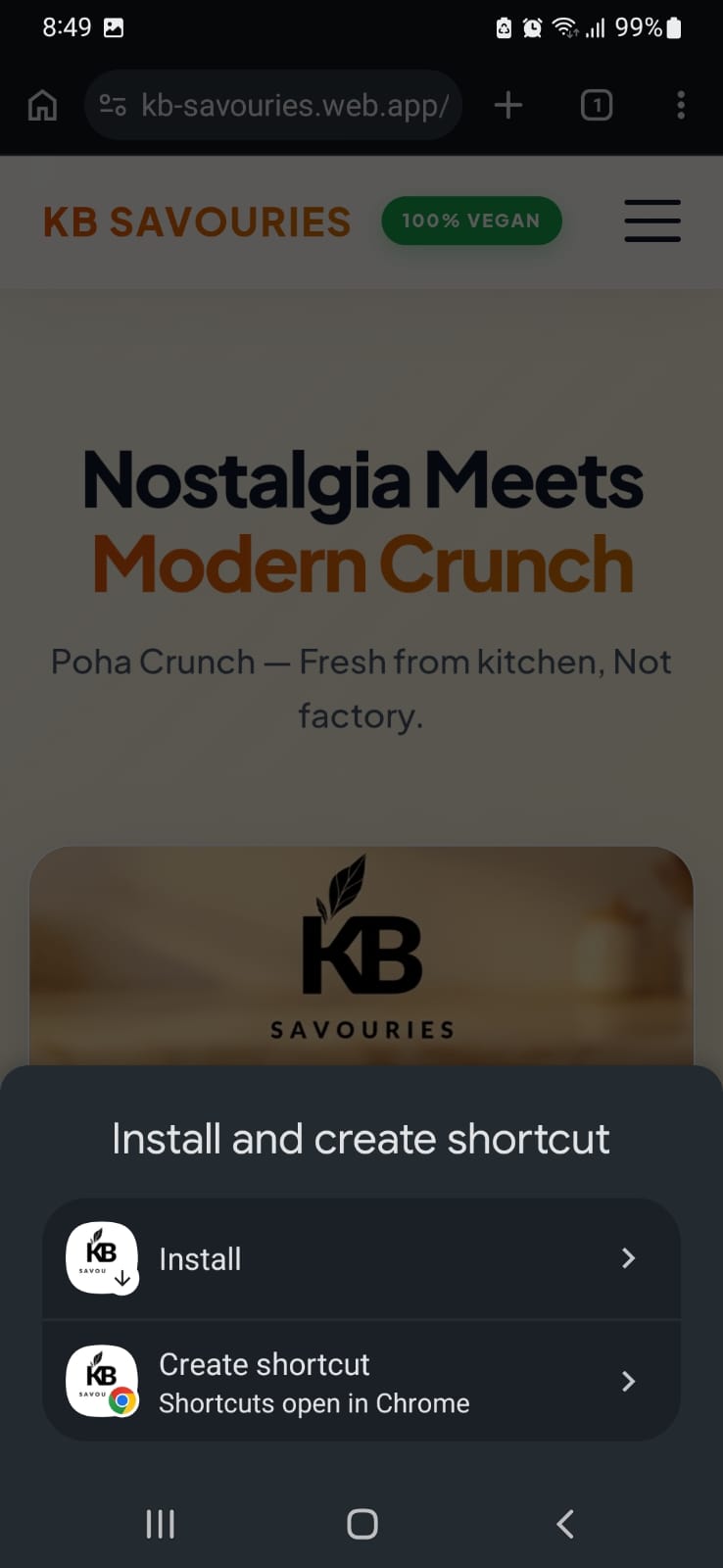
Confirm "Install"
A popup sheet will appear at the bottom of your screen. Tap Install to add the KB Savouries app icon directly to your home screen!
Using an iPhone / Safari?
Tap the Share button at the bottom of your Safari browser, scroll down the options list, and tap "Add to Home Screen".